GEO NUM · QUICK GUIDE
See what to do, one screen at a time.
GeoNum is a paid, offline-first practice app. These six screens cover the core flow without making you read a manual.
See → Say is self-assessed. Hear → Type compares typed answers with the reference on your device. GeoNum never records or scores your voice.
STEP 01
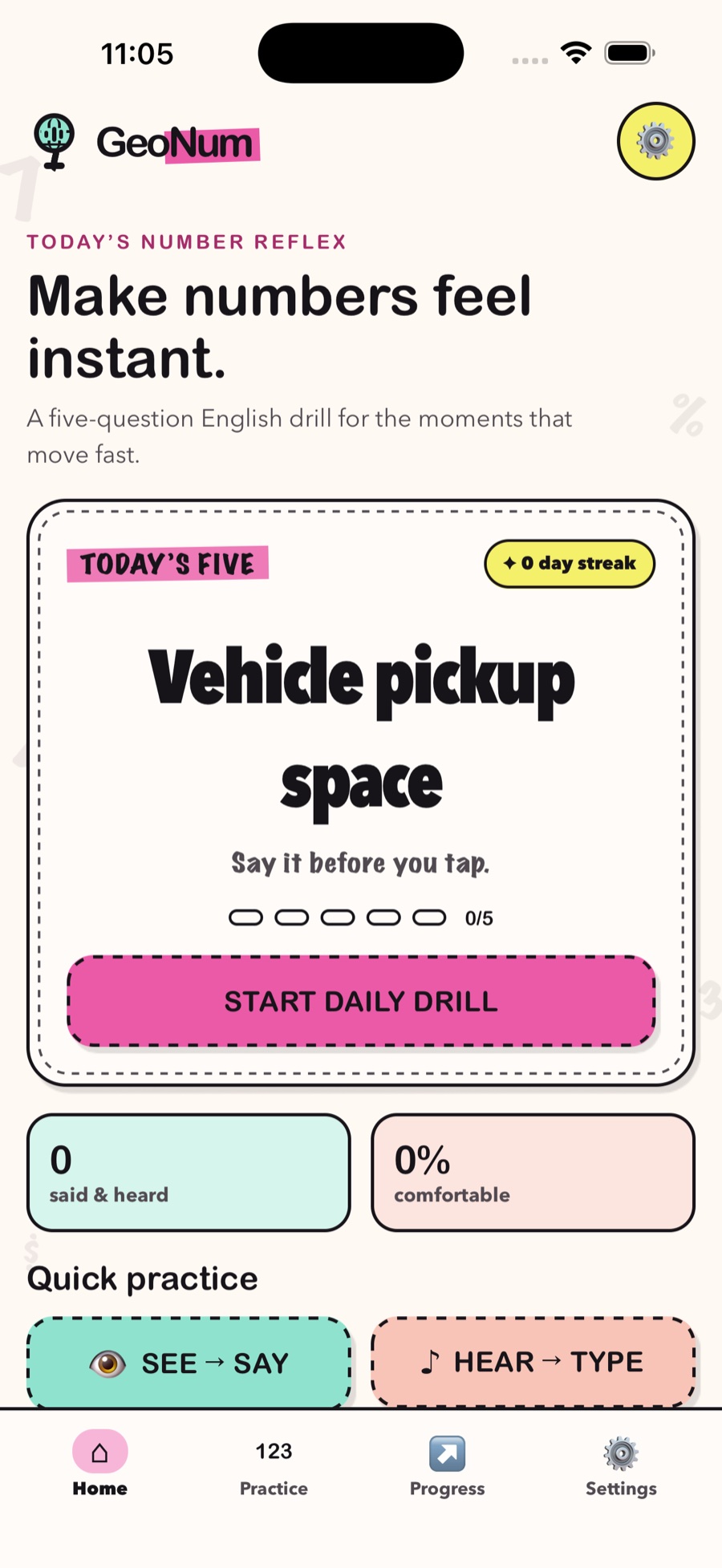
Start with five
Use Today’s Five for a short daily reflex, or jump directly into See → Say and Hear → Type practice.
STEP 02
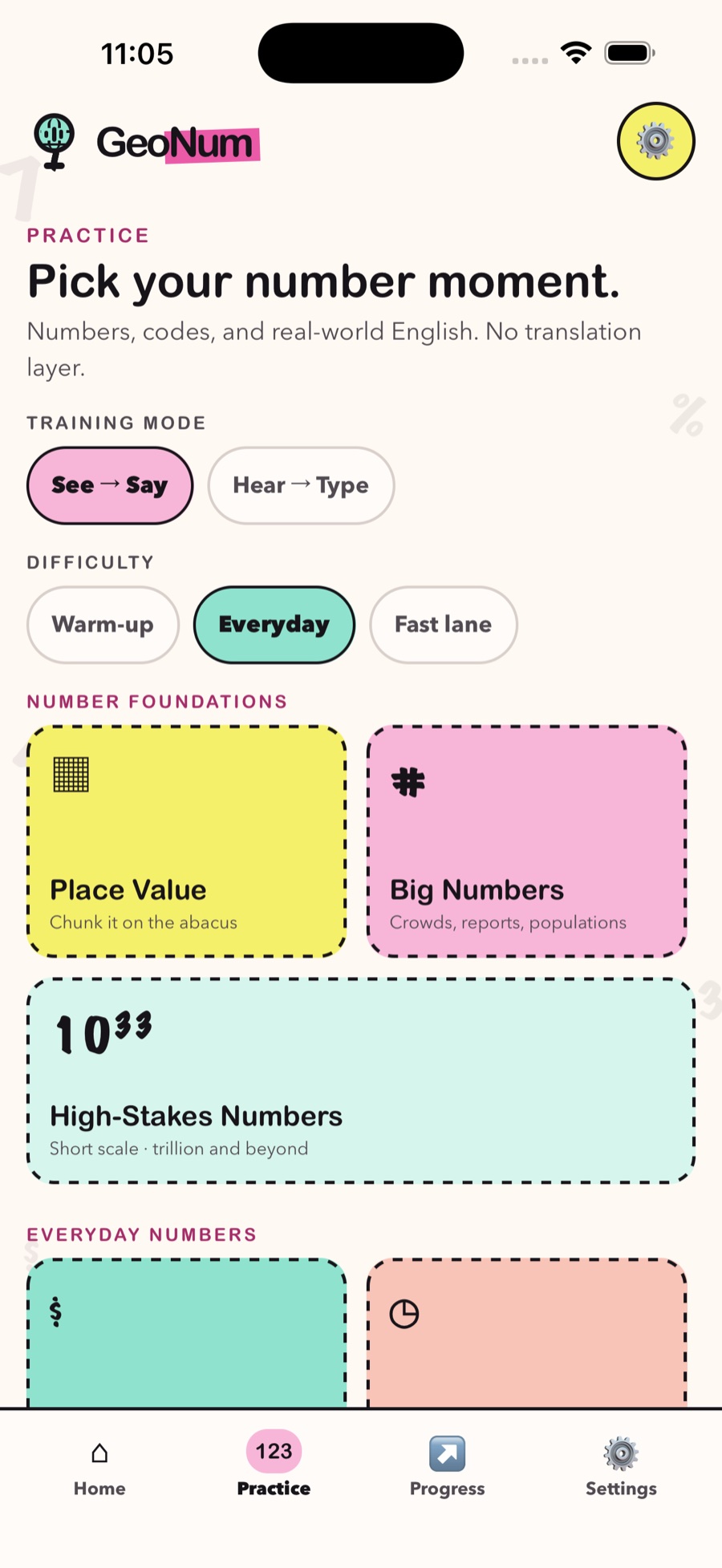
Choose the moment
Pick a training mode, difficulty, and real-life category—from prices and codes to addresses and time.
STEP 03
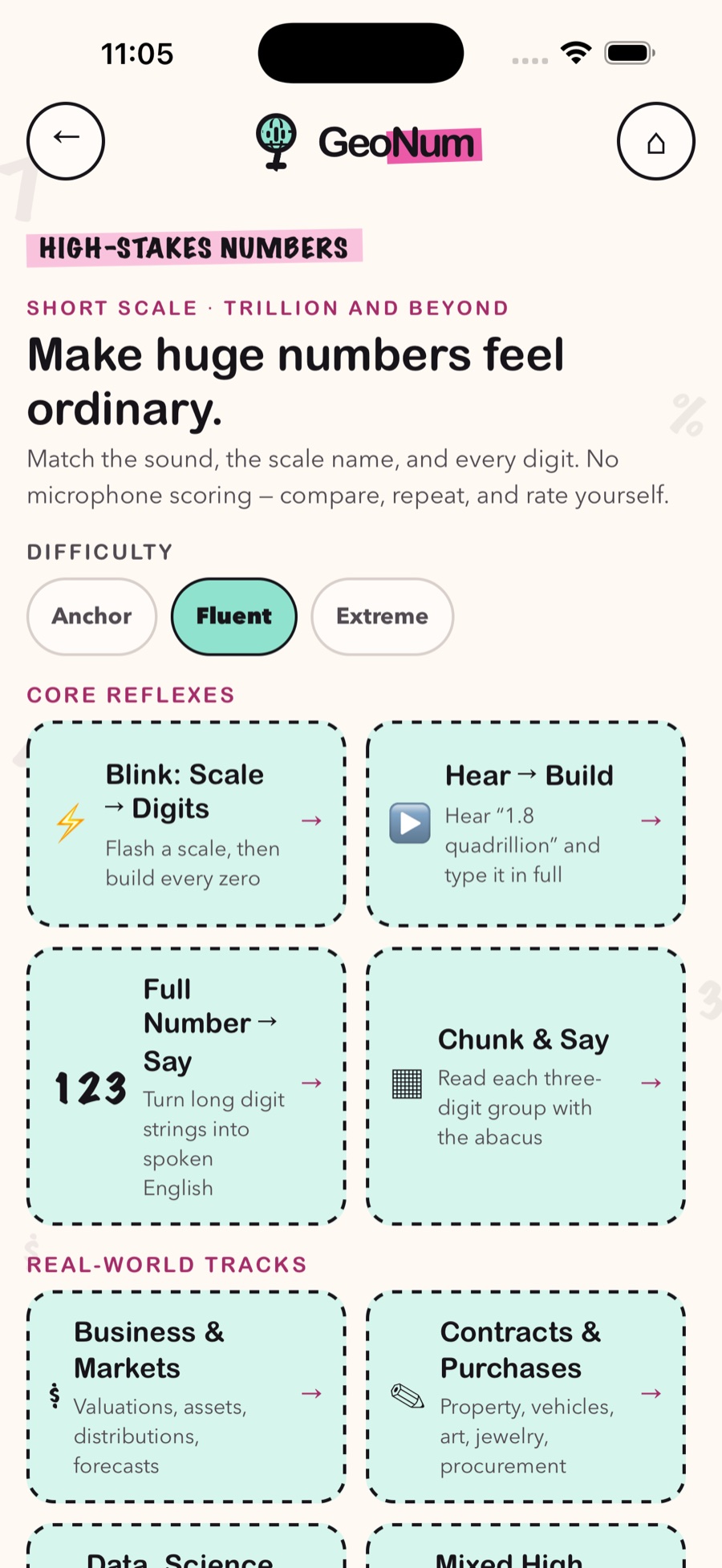
Go beyond everyday numbers
High-Stakes Numbers connects short-scale names, every digit, and abacus-style three-digit chunks.
STEP 04
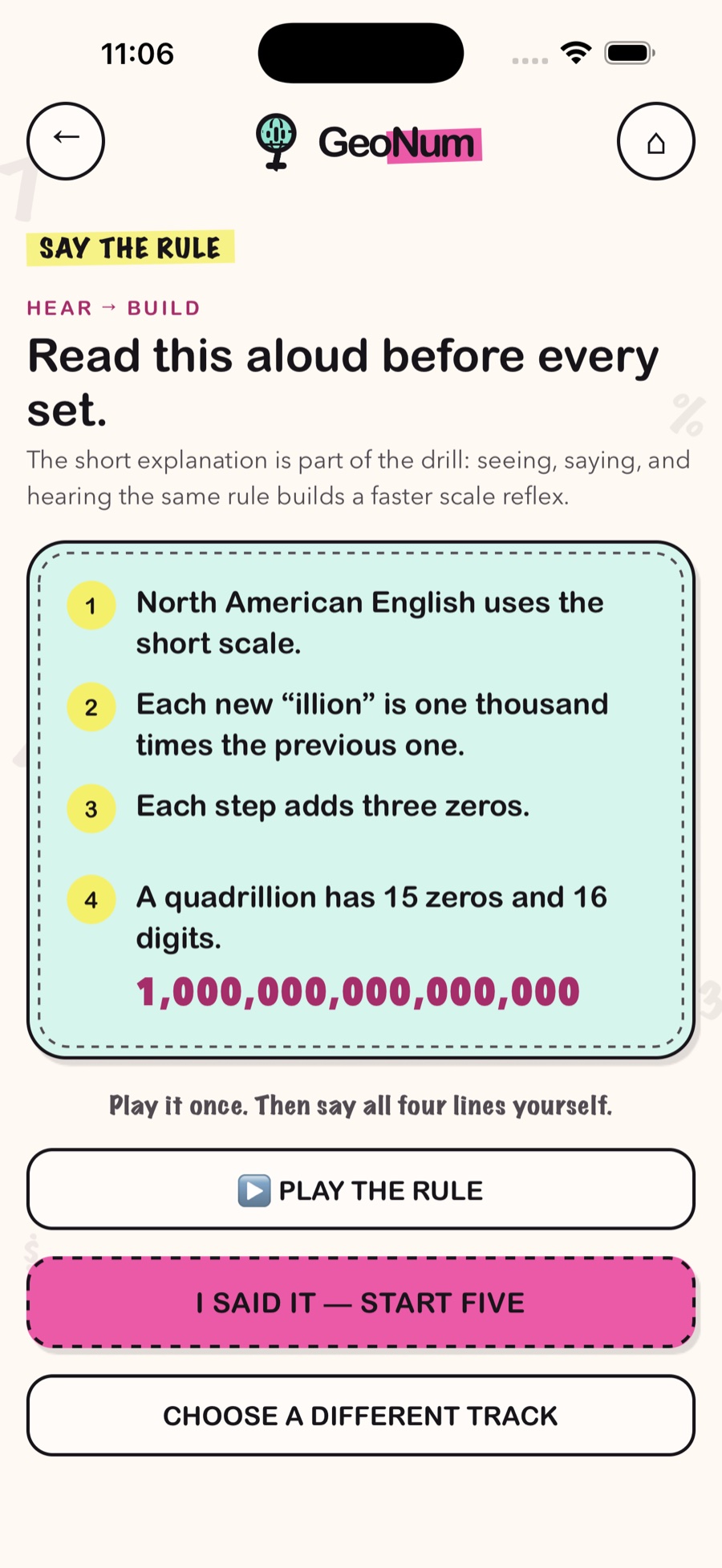
Say the rule first
A short explanation appears before advanced sets. Read it aloud once, then practice. GeoNum does not record or score your voice.
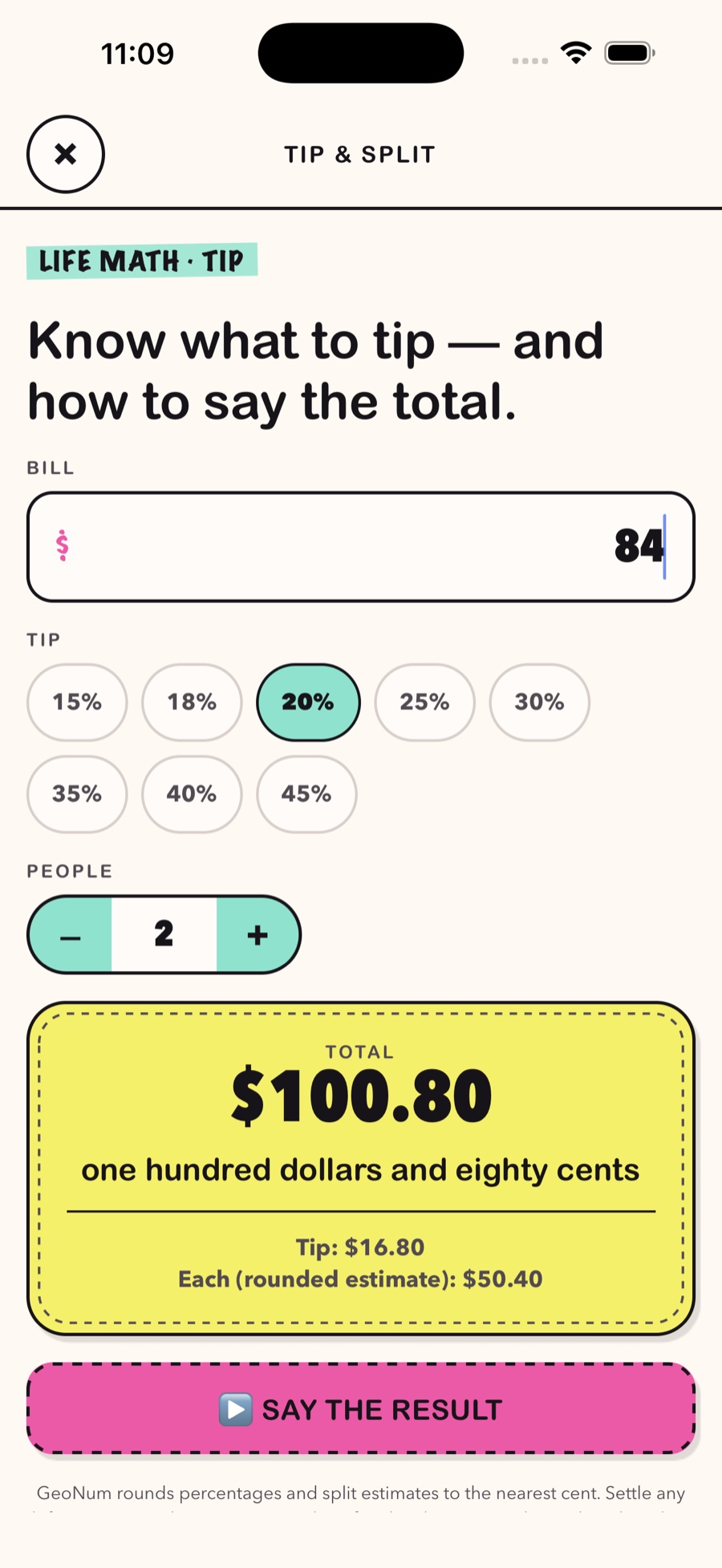
STEP 05
Tip, split, and say the total
Enter the bill, tip, and number of people. GeoNum shows the total in digits and natural spoken English.
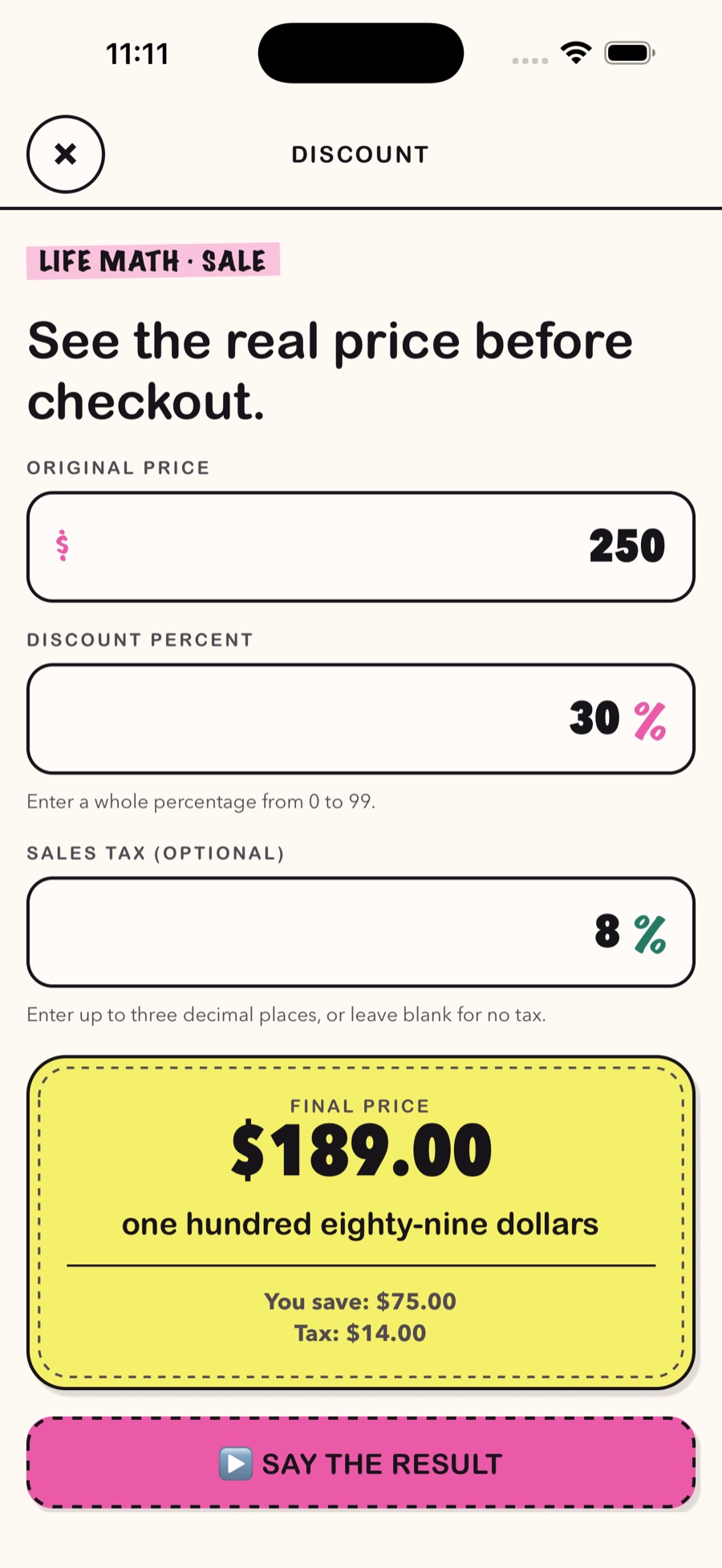
STEP 06
See the real checkout price
Combine a discount with optional sales tax, then see how to say the final price aloud.
STILL NEED A HAND?
Offline and voice help.
Text practice, questions, and progress work in airplane mode. Test a downloaded English system voice before travel, or open troubleshooting.